
Of late, I’ve had the chance to play with PowerPoint quite a bit. Here are a few, recent clips and slide designs.
The College Recruitment presentation
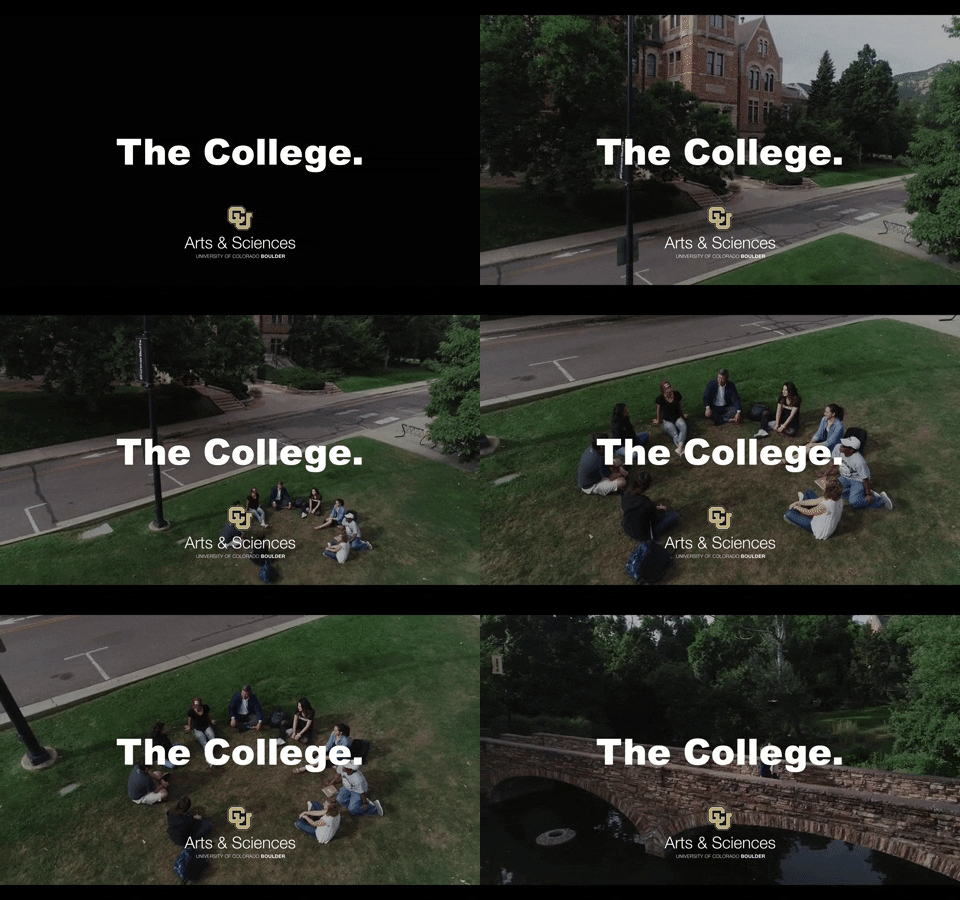
I coordinated the drone shoot with Mason Marino in our strategic relations video team. Mason did the actual flight, and the footage offers us an incredible way to effectively set tone.

A transitions tutorial I stumbled across helped me add a slight bit of spice to the list we use to represent our majors.
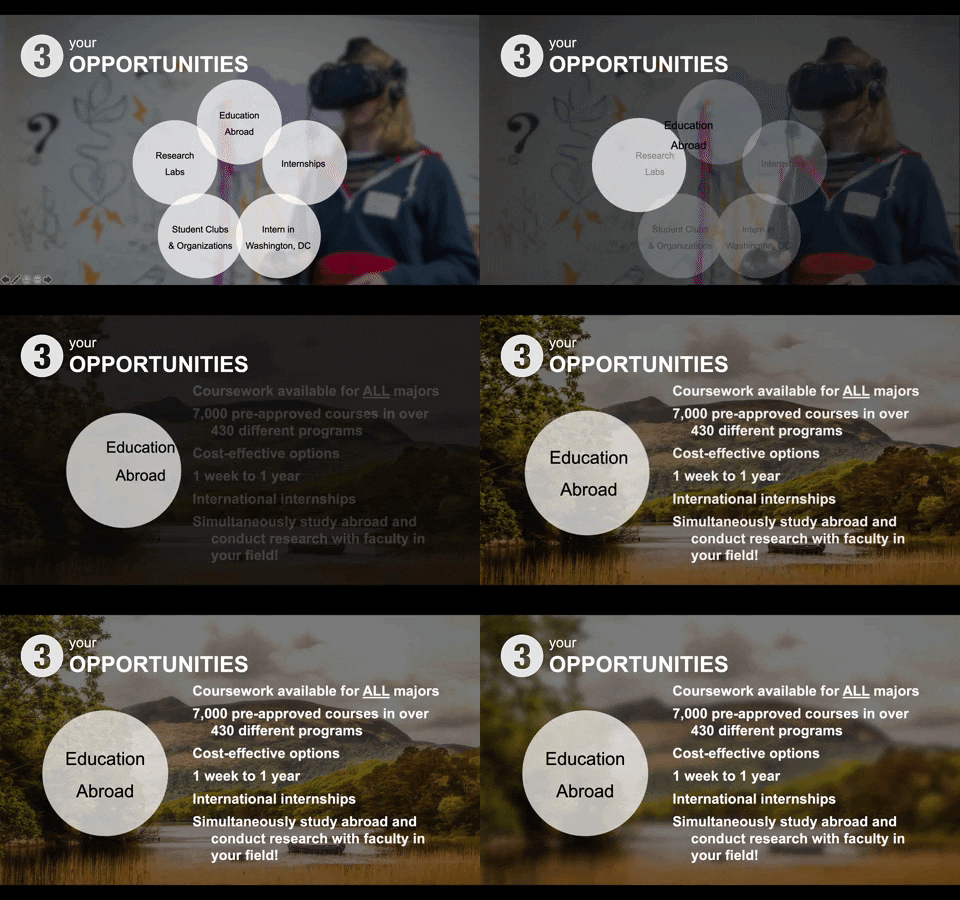
The morphing transition is wonderful when it works. The bouncing ball effect makes it easier for audiences to know when we are shifting topics.
Internal website rebuild

Representing a timeline can be hard, because the text is incomprehensible. I used a zoom effect to try and mitigate that concern, and blurred the background to drive focus at specific points we needed to address.
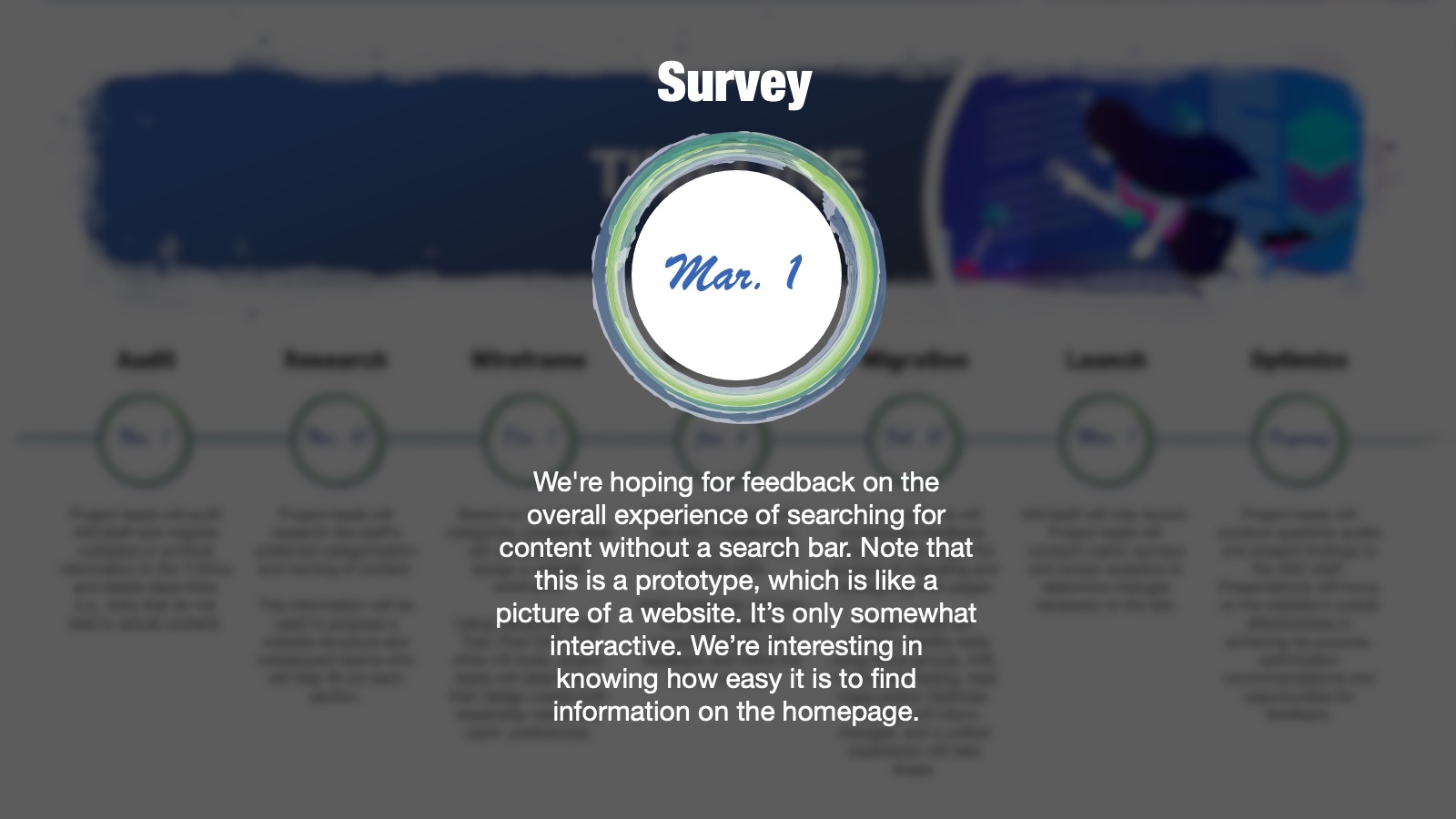
Here’s an example of a slide, zoomed in.

I’m still trying to figure out the best way to end a slide deck. Videos sometimes work, but they can be distracting and use an unnecessary amount of CPU. The thematic vector art, which I use here, functions well in a one-third, two-thirds column layout. Microsoft has also added some nice paint effects to make this more seamless.
 Tim Grassley